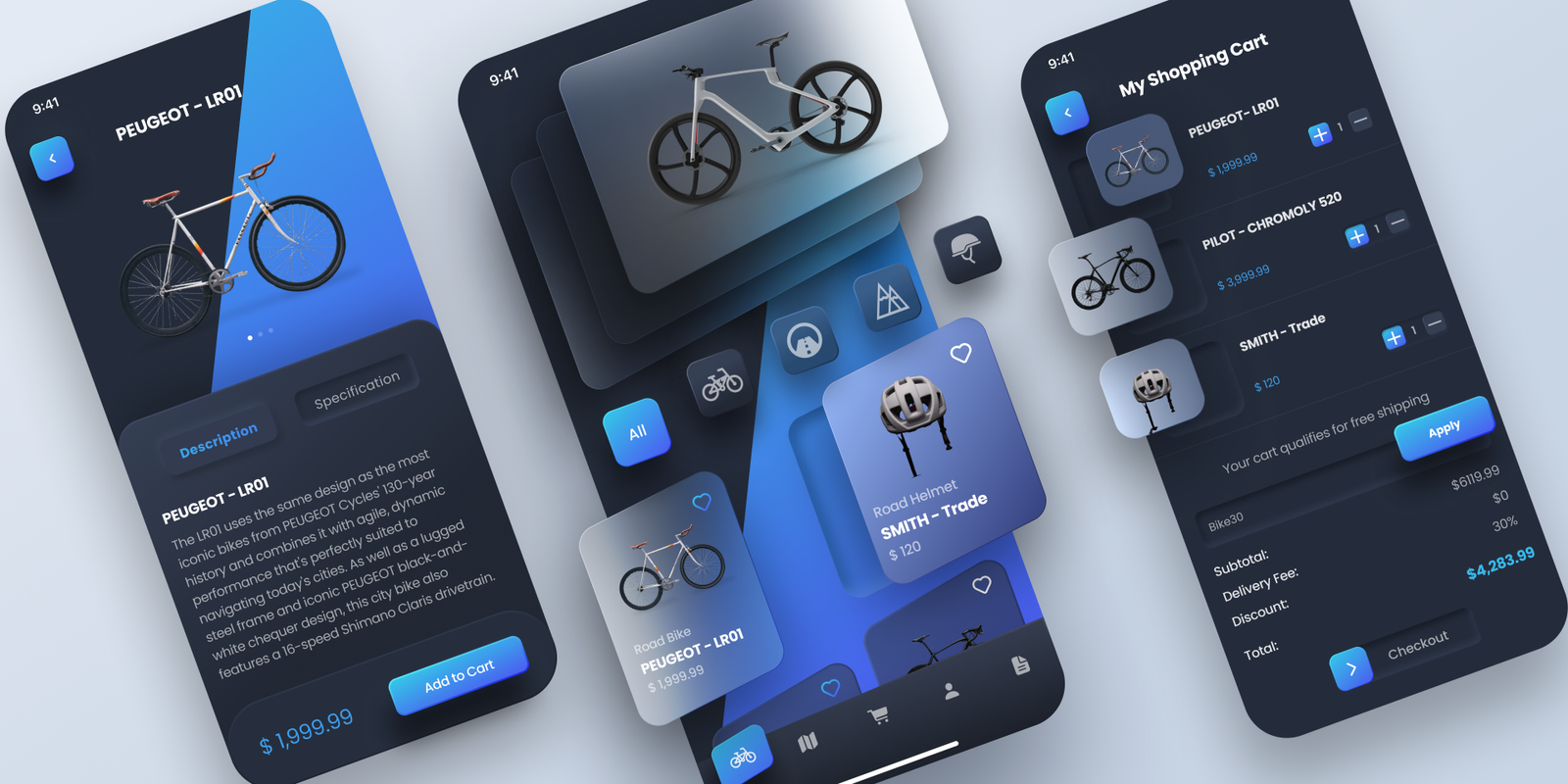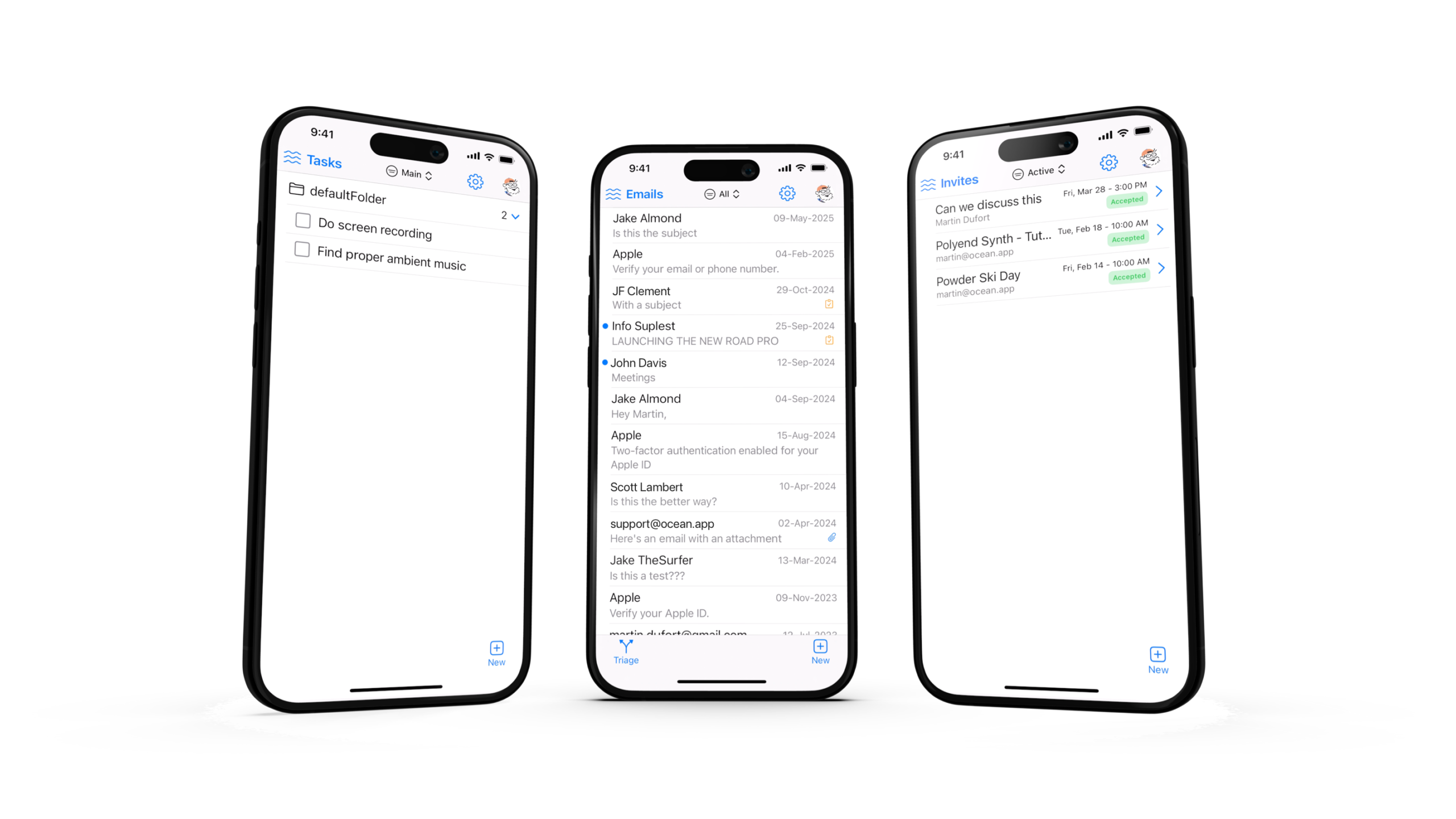

In the rapidly evolving digital landscape, staying ahead requires more than just basic knowledge it demands mastering tools, strategies, and UX principles that drive growth. Whether you are a startup founder, a UX/UI designer, or a product manager, understanding the latest design tools, user behavior, and app launch strategies is essential. This guide combines actionable insights and growth hacks to help you succeed in 2025

The most powerful digital strategies live at the intersection of data-driven SEO and creative growth hacking. This isn’t about picking a side; it’s about building a growth engine that is both fast and durable.
This is your playbook.
The Top 50 UX/UI Design Tools Every Designer Should Know
A designer is only as good as the tools they use. The right tools can streamline workflow, improve collaboration, and produce polished designs faster. In 2025, mastering a comprehensive toolkit is essential for efficiency and productivity. Some of the most popular tools that designers rely on include Figma, Sketch, Adobe XD, InVision, Marvel, Axure RP, Balsamiq, Proto.io, UXPin, Webflow, Figma Jam, ProtoPie, Zeplin, Overflow, Principle, Lunacy, Affinity Designer, Gravit Designer, Pencil Project, Fluid UI, Moqups, Vectr, Canva, Origami Studio, UXFlow, MockFlow, Designify, Penpot, UXPressia, Dovetail, Maze, UsabilityHub, UserTesting, Optimal Workshop, Lookback, Hotjar, Crazy Egg, FullStory, Microsoft Clarity, Inspectlet, Justinmind, Framer, Motion, Studio, Atomic, Adobe Illustrator, Adobe Photoshop, CorelDRAW, and Affinity Photo.

Using these tools effectively allows designers to create high-quality interfaces, collaborate with teams seamlessly, and ensure consistency across projects. Combining design platforms, prototyping tools, and analytics solutions enables designers to work smarter, gather user feedback quickly, and make data-driven decisions. By integrating multiple tools into a cohesive workflow, teams can accelerate project timelines, reduce errors, and focus on creating experiences that delight users.
In today’s competitive digital environment, staying updated with these 50 UX/UI tools is more than just a skill it’s a strategic advantage. Designers who leverage these platforms can not only enhance productivity but also ensure that their products are user-centric, visually appealing, and ready to compete in the fast-paced market of 2025.
UXDLAB’s Guide to Writing App Store Descriptions that Convert
Writing an app store description is far more than summarizing your app’s features it’s a powerful conversion tool. In 2025, App Store Optimization (ASO) is essential for increasing visibility, attracting users, and driving downloads. A well-crafted description can directly impact whether a user decides to install your app or move on to a competitor.
Instead of simply listing features, your app description should focus on benefits. Users care about how your app improves their life, saves time, or solves a problem. Highlighting the value your app delivers helps potential users immediately understand why they need it and encourages them to take action.
Keywords play a crucial role in ASO. Incorporating high-volume and relevant keywords naturally within your description helps your app rank higher in search results. Strategically placing these keywords without overstuffing ensures your app is discoverable while maintaining a professional and readable description for users.
Social proof is another essential element. Including ratings, user reviews, or mentions from media outlets builds credibility and trust. Potential users are more likely to download an app that has positive feedback and recognition, as it signals quality and reliability.
A clear call-to-action (CTA) is necessary to guide users toward downloading your app. Phrases like “Download now to boost your productivity” or “Get started today and simplify your workflow” give users a direct next step and encourage immediate engagement.
To optimize performance further, running A/B tests with different descriptions and screenshots can provide valuable insights. Tracking which variations generate the most downloads allows you to refine your messaging over time, ensuring your description consistently converts visitors into active users.
10 Features Every Successful Mobile App Has in 2025
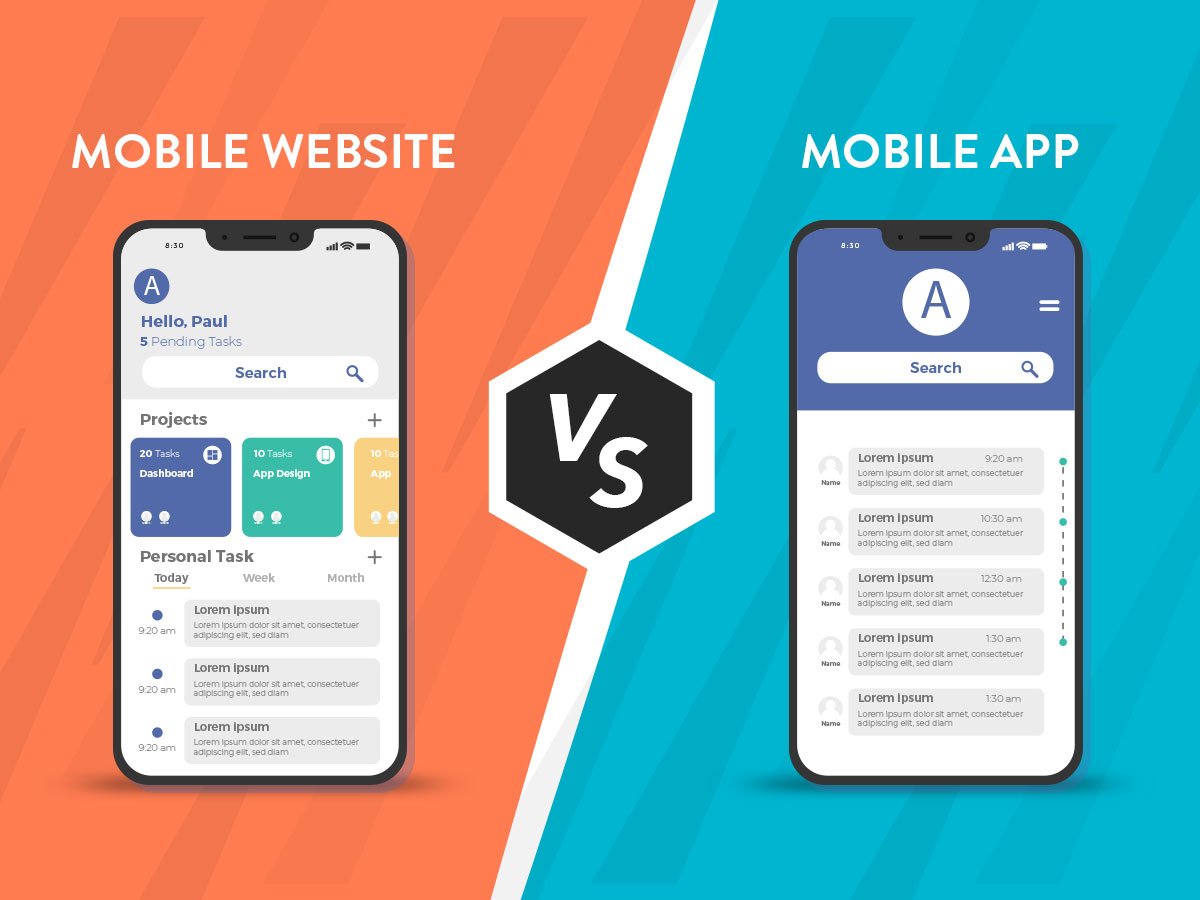
Mobile apps are evolving at an unprecedented pace. In 2025, successful apps are not just functional they are designed around the user. A great app combines seamless usability, engaging experiences, and features that anticipate user needs. Focusing on the right features can significantly increase adoption, retention, and user satisfaction.

Personalization has become a key expectation for users. Apps that leverage AI-driven recommendations to tailor content, suggestions, and notifications to individual behavior provide a more relevant and engaging experience. Personalized experiences make users feel understood and valued, which in turn boosts loyalty and encourages repeated use.
Onboarding is the first interaction users have with your app, and it must be smooth and intuitive. Minimal friction during onboarding ensures users understand the app’s core functionality quickly. Clear guidance, interactive tutorials, and progressive disclosure of features prevent confusion and help retain users from the very beginning.
Offline functionality is increasingly important as users expect access regardless of internet connectivity. Allowing key features to work offline enhances the app’s reliability and usability, especially for travel, productivity, or entertainment apps. This reduces frustration and ensures users can rely on your app in any situation.
Push notifications remain a powerful tool for engagement, but they must be personalized and relevant. Users respond positively to alerts that provide value, such as reminders, updates, or personalized offers, without feeling spammed. Thoughtful notification strategies can improve retention and encourage users to return regularly.
Cross-platform synchronization ensures a seamless experience across devices. Users often switch between phones, tablets, and desktops, expecting their data and progress to remain consistent. Synchronization builds trust and provides a frictionless experience, keeping users engaged across multiple touchpoints.
The Ultimate Checklist for Launching Your Web App
Launching a web app can feel overwhelming if not planned properly. A successful launch requires careful preparation, attention to detail, and a clear growth-focused strategy. By following a structured checklist, teams can ensure that their app goes live smoothly and leaves a strong first impression on users.

Pre-launch testing is one of the most critical steps. Conducting usability tests, load testing, and thorough quality assurance checks helps identify potential issues before users encounter them. Catching and resolving bugs or design flaws early prevents negative first impressions and ensures that your app functions reliably under real-world conditions.
SEO optimization is equally important for a successful launch. Every page should have optimized meta titles, meta descriptions, and structured data to improve visibility in search engine results. Effective SEO ensures that users can discover your web app organically, driving long-term traffic and increasing the chances of engagement from day one.
Performance optimization plays a major role in user satisfaction. Techniques like image compression, lazy loading, and efficient caching help minimize load times, creating a smooth browsing experience. Fast-loading web apps reduce bounce rates and encourage users to explore more content, ultimately improving retention and conversion.
Analytics setup is essential for understanding user behavior from the very beginning. Installing tools like Google Analytics, Hotjar, or other tracking solutions allows you to monitor user interactions, identify trends, and gather data-driven insights. These insights inform future improvements, making your app more aligned with user needs and preferences.
The Hidden Costs of Poor UX (and How to Avoid Them)
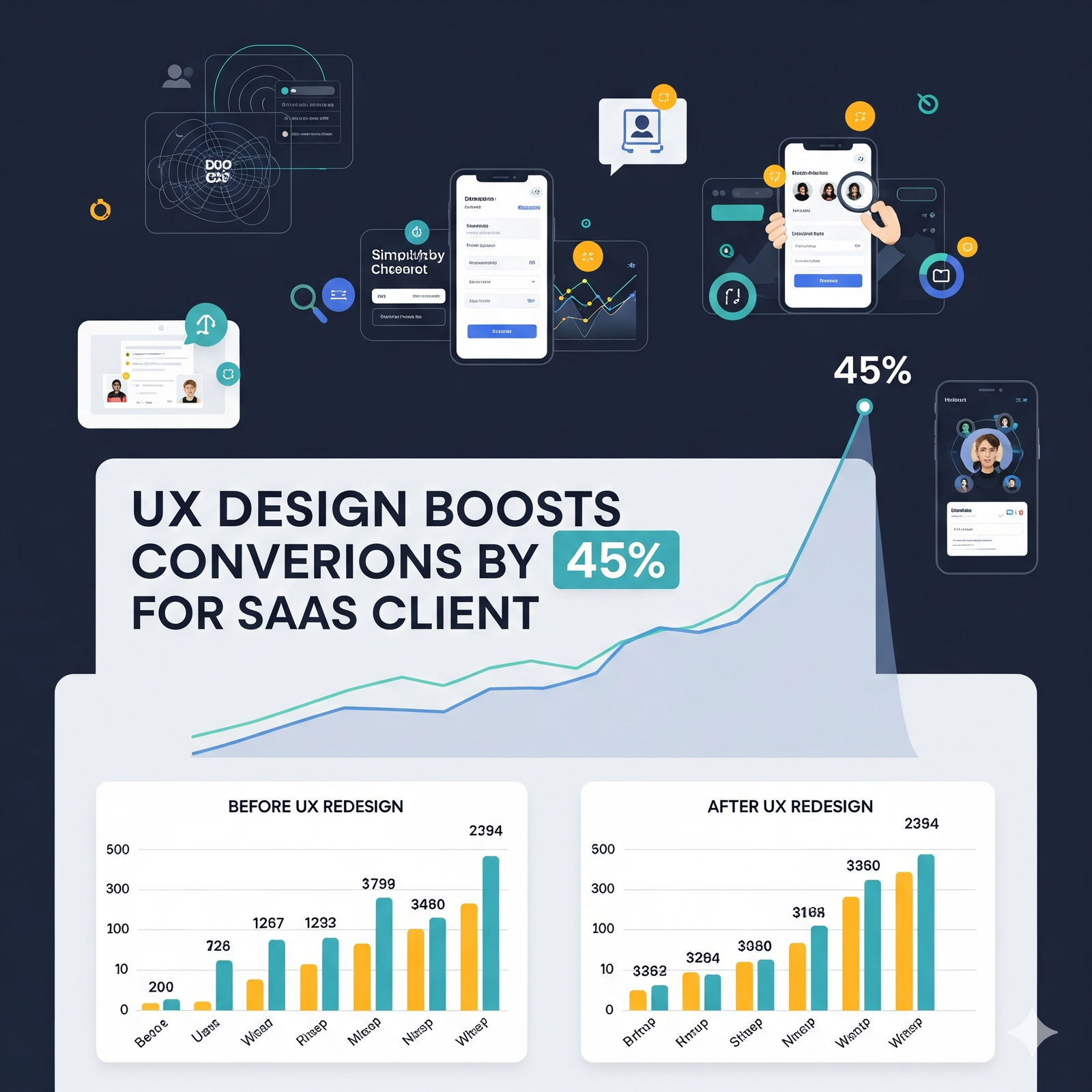
Poor user experience (UX) can silently undermine the success of your digital product. While it may not always be immediately visible, the consequences of poor UX can be severe, affecting revenue, brand reputation, and customer retention. Users expect intuitive and seamless interactions, and when those expectations are not met, the impact can be both immediate and long-lasting.

One of the most noticeable effects of poor UX is higher bounce rates. Confusing interfaces, unclear navigation, or cumbersome processes often cause users to leave before completing desired actions, such as signing up or making a purchase. When users cannot easily accomplish their goals, they quickly abandon the product in favor of more user-friendly alternatives, reducing overall engagement.
Frustrated users also increase operational costs. When an app or website is difficult to use, customer support teams are inundated with queries and complaints. Handling these additional support requests consumes time and resources, which could otherwise be invested in product improvements or growth initiatives.
Every friction point in processes like onboarding, checkout, or navigation has a direct impact on revenue. Users who encounter obstacles are less likely to convert, leading to lost sales, subscriptions, or engagement opportunities. Even small UX issues, if left unresolved, can add up to significant financial losses over time.
Brand reputation is another area at risk. Negative experiences spread quickly through reviews, social media, and word-of-mouth. A single frustrated user can influence others, tarnishing the brand image and deterring potential customers from engaging with the product. In today’s connected world, poor UX can have exponential consequences for perception and credibility.
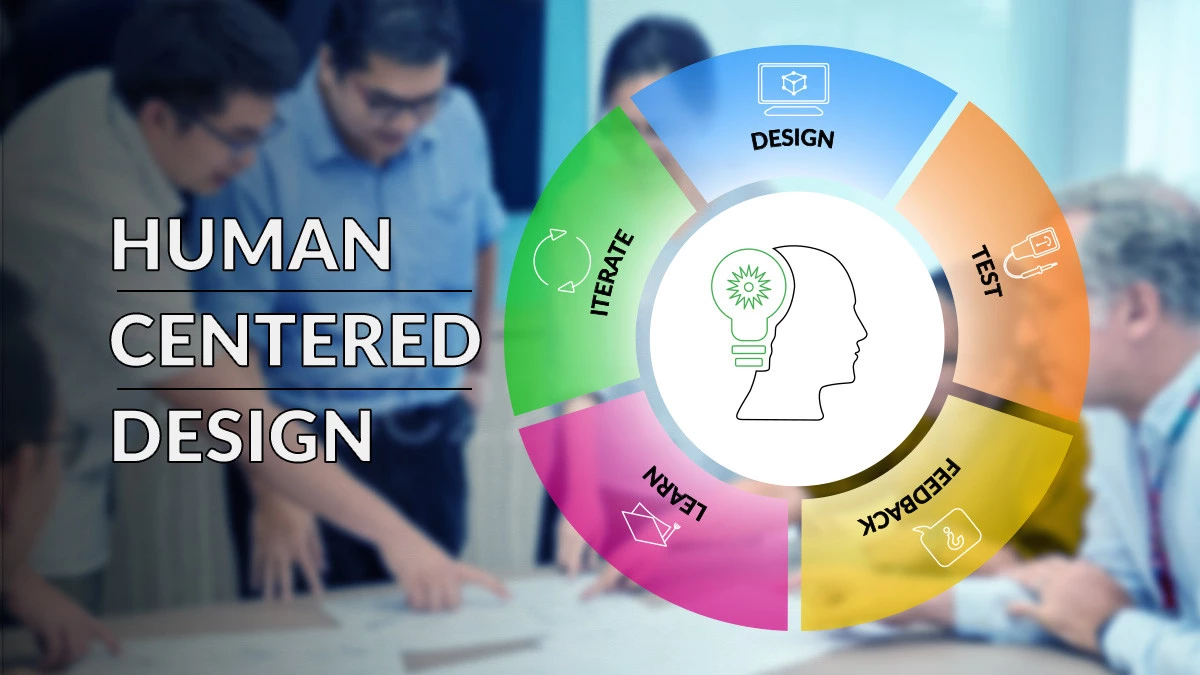
Avoiding these pitfalls starts with investing in user research. Surveys, interviews, and analytics provide insights into user needs, pain points, and behaviors, helping teams make informed design decisions. By understanding your audience deeply, you can design experiences that meet expectations and reduce friction.
Prototyping and early testing are essential for validating ideas before full development. Wireframes, mockups, and interactive prototypes allow designers to identify and fix usability issues early, saving time and costs in the long run. Continuous iteration is also critical, as UX is never a one-time task. Regular updates informed by user feedback ensure that the product evolves to meet changing expectations, preventing long-term costs associated with poor design.
A practical growth hack is to map the entire customer journey and identify friction points that directly impact revenue and retention. By prioritizing improvements that matter most to users and the business, teams can optimize experiences efficiently and effectively. Strong UX not only enhances satisfaction and loyalty but also drives measurable business growth, making it a strategic investment rather than just an aesthetic concern.